Did you receive a "phishy" email? Report it.
If you receive a suspicious email in your Lone Star College email — or even one that you think may legitimate, but you're worried about clicking a link or opening an attachment — report it and we'll do the investigating for you. There are multiple ways to report a "phishy" message (or even a phone call):
- Click the Report Message button when in Outlook or Microsoft 365,
- Submit the Report a Phishing / Scam / Spam Email form, or
- Call the IT Service Desk at 281.318.HELP (4357).
|
Don’t Make It Easy for Them! October is Cybersecurity Awareness Month!Cybercriminals are always looking for the easy way in — a weak or reused password, an unprotected account, an ignored software update, or one hurried click on a suspicious message. The good news? You don't have to be a cybersecurity expert to make their job harder. A few simple habits can make a big difference in protecting your accounts, devices and information. Throughout October, the Lone Star College Office of Technology Services (OTS) is sharing simple ways you can Make Life Difficult for Cybercriminals. Don't give them the shortcut they're looking for.
|
Cybersecurity Awareness Month PresentationsAdvanced Phishing, Password Hygiene, and MFA FatigueWant to take your cybersecurity knowledge a step further? Join Bill Derwostyp, OTS Cybersecurity Strategist, for Advanced Phishing, Password Hygiene, and MFA Fatigue and learn more about the tactics cybercriminals use and the everyday steps you can take to better protect yourself and your accounts. Choose the session that works best for you: Check your email for the Webex link. Employees! Enroll Now in MyWorkshops to be able to claim PD credit for attending. Important! To receive PD credit for attending, participants must:
|
Use Long, Unique Passwords
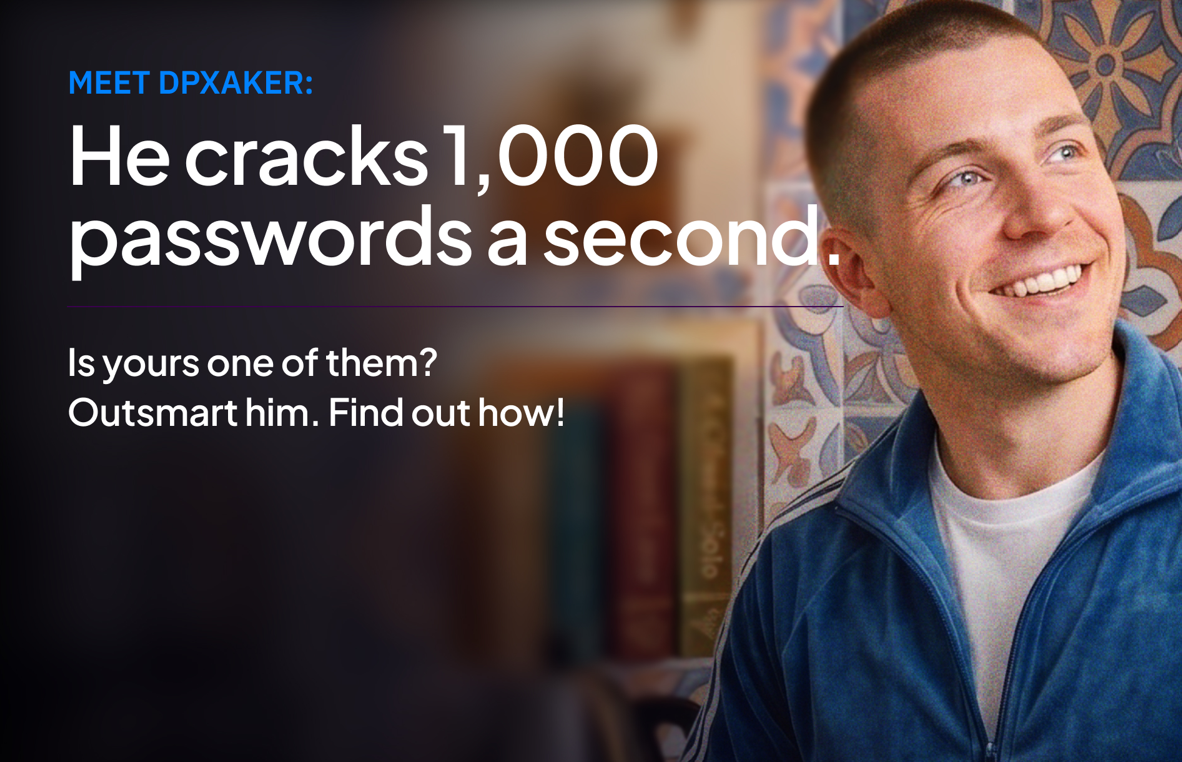
Cybercriminals don't have to sit around guessing passwords one at a time. Dariy Pankov, known among hackers as “dpxaker,” made money selling password-cracking software to other criminals. Tools like these can test thousands of password combinations every second. And cybercriminals especially love short passwords, reused passwords, pet names and birthdays. Make their job harder:
Why does length matter? DPXAKER may be fast. Your password can make sure he's not fast enough.
|
Enable Multifactor Authentication
Multifactor authentication (MFA) adds another layer of protection by requiring you to verify your identity in more than one way before accessing an account. According to the National Cybersecurity Alliance, Zestix and her accomplices compromised more than 50 multinational companies where MFA wasn't enabled. Cybercriminals can obtain stolen passwords from data breaches and other sources and use automated tools to try those credentials on other accounts. Cancel their ticket:
Think of MFA as another locked door. Even if a cybercriminal manages to get one of your keys, you've given them another obstacle to overcome. Your account. Your money. Their trip? DENIED.
|
Keep Your Software Updated
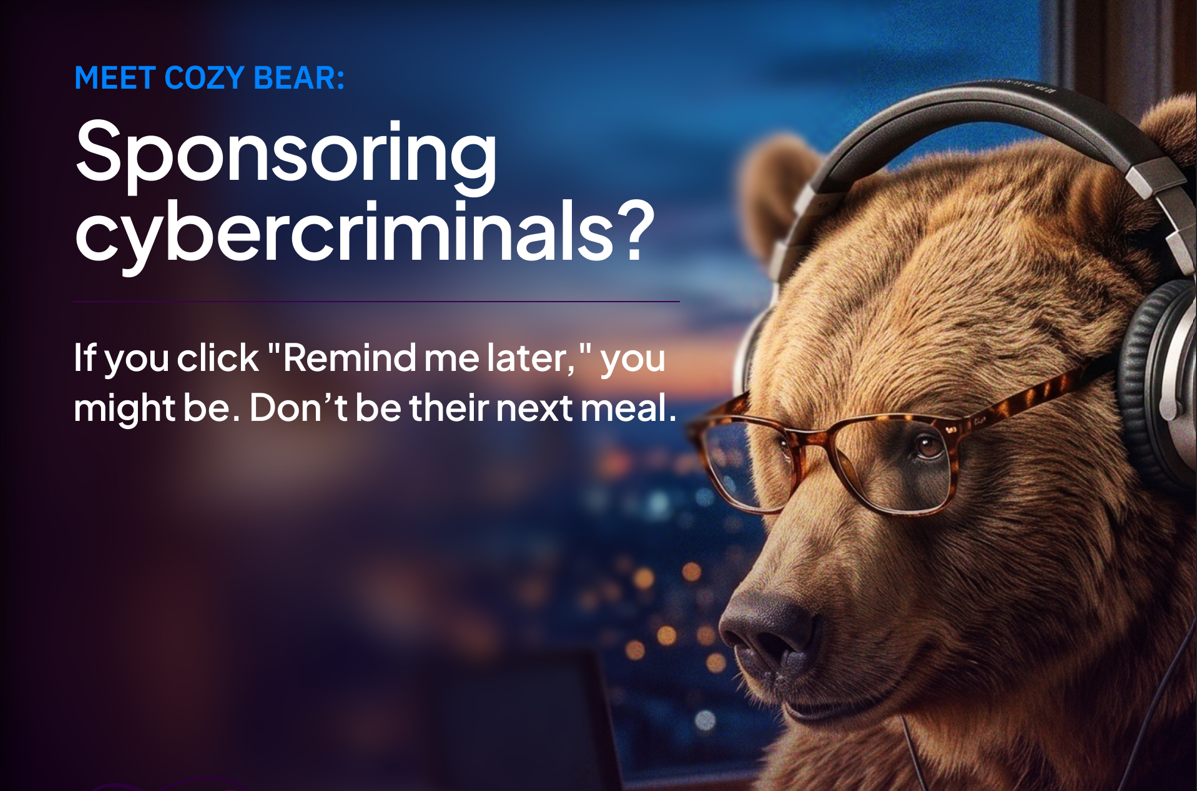
We've all done it. An update notification appears right when we're in the middle of something, and “Remind Me Later” is awfully tempting. But software updates aren't just about new features. They can fix security vulnerabilities that cybercriminals are actively looking to exploit. According to the National Cybersecurity Alliance, Cozy Bear actively hunts for outdated and unpatched software. When an update is released to fix a vulnerability, cybercriminals can study what was fixed and then look for devices that haven't installed the update yet. Don't feed the bears:
As the National Cybersecurity Alliance puts it, software updates are full of “Bear repellent.” Don't hibernate on those updates.
|
Recognize and Report Phishing
There's just one problem: they plan to keep every penny. Giant Company was a name associated with a massive scam operation based in Myanmar that targeted people in the United States. Nearly 300 people were arrested and nine scam centers were disrupted in connection with the crackdown. But operations like this represent only a fraction of the scams happening every day. Scammers may impersonate your bank, your boss, a delivery company, customer support or even someone you know. They want you to click their links, answer their calls, respond to messages and, eventually, hand over money or information. Don't take the bait:
You don't have to click. When something smells phishy, trust your instincts. Train your skepticism and don't take the bait.
|
Make Life Difficult for Cybercriminals!You don't need expensive tools or advanced technical knowledge to improve your cybersecurity. Start with four habits:
Small actions can make a big difference. Don't Make It Easy for Them!
|
Special ThanksLone Star College is proud to participate as a 2026 Cybersecurity Awareness Month Champion. Special thanks to the National Cybersecurity Alliance and StaySafeOnline.org for providing the Cybersecurity Awareness Month resources, educational content, and creative materials featured throughout this campaign. Together, we're helping everyone build safer online habits and Make Life Difficult for Cybercriminals. If you'd like it a little more concise for a webpage footer, I also like: Special thanks to the National Cybersecurity Alliance and StaySafeOnline.org for providing the resources and creative materials used throughout our 2026 Cybersecurity Awareness Month campaign. Lone Star College is proud to participate as a Cybersecurity Awareness Month Champion.
|


By taking small, simple steps — using strong passwords, enabling MFA, updating your software, and reporting scams — you help keep Lone Star College and yourself safe online.
Stay safe online!